


-
Optimize available desktop space with snap layouts that work with a click or touch. 6
-
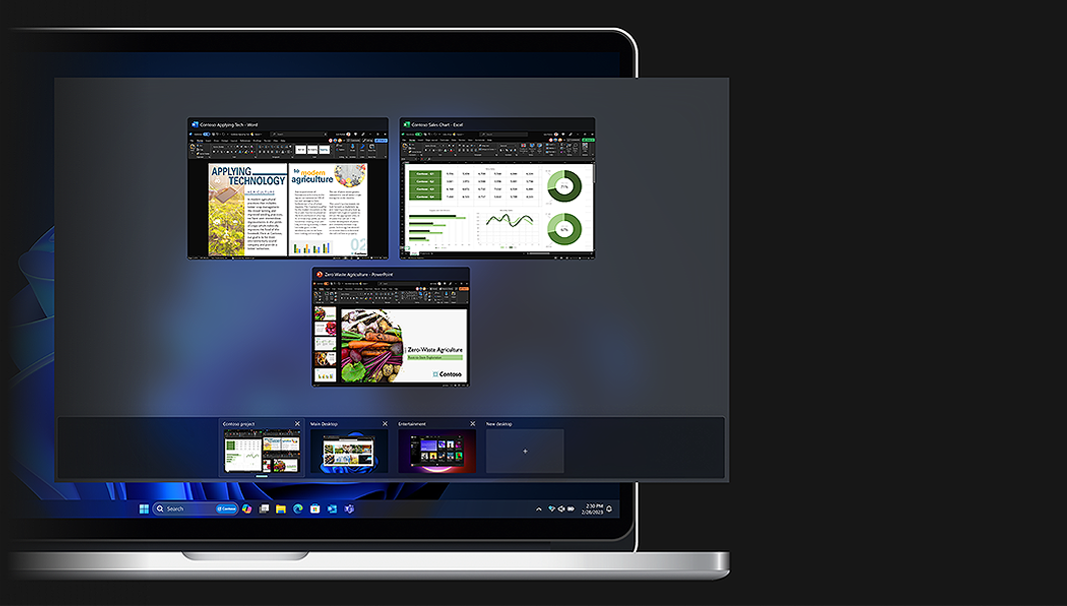
Organize projects in separate desktops to improve efficiency, and switch between them from your taskbar.
-
Save time, uncover insights, and deliver exceptional work with intelligent assistance that cuts the clutter and speeds innovation.

Windows for business
Accelerate business success with Copilot and Windows 11 Pro
Industry-leading AI. Powerful cybersecurity. Designed for business.
-
With Windows Hello for Business passwordless, you can sign into your computer with your face, fingerprint, or PIN instead of a password. 2
-
Proactively shield employees through Microsoft Defender SmartScreen plus presence sensing to lock your PC when you leave, and sign in when you approach using Windows Hello.
-
Windows 11 supports the broadest app, peripheral, and device ecosystem. With 99.7% app compatibility, you can upgrade productivity while using your existing apps and accessories. 3
-
-
Shield credentials and other sensitive data with layers of hardware-backed protection, including TPM 2.0.
-
Increase malware resistance with Virtualization Based Security (VBS) and Hypervisor Code Integrity (HCVI) already enabled.
-
Safeguard apps and data anywhere with features like App Control for Business and Bitlocker.
The right Windows for your business

Windows 11 Pro
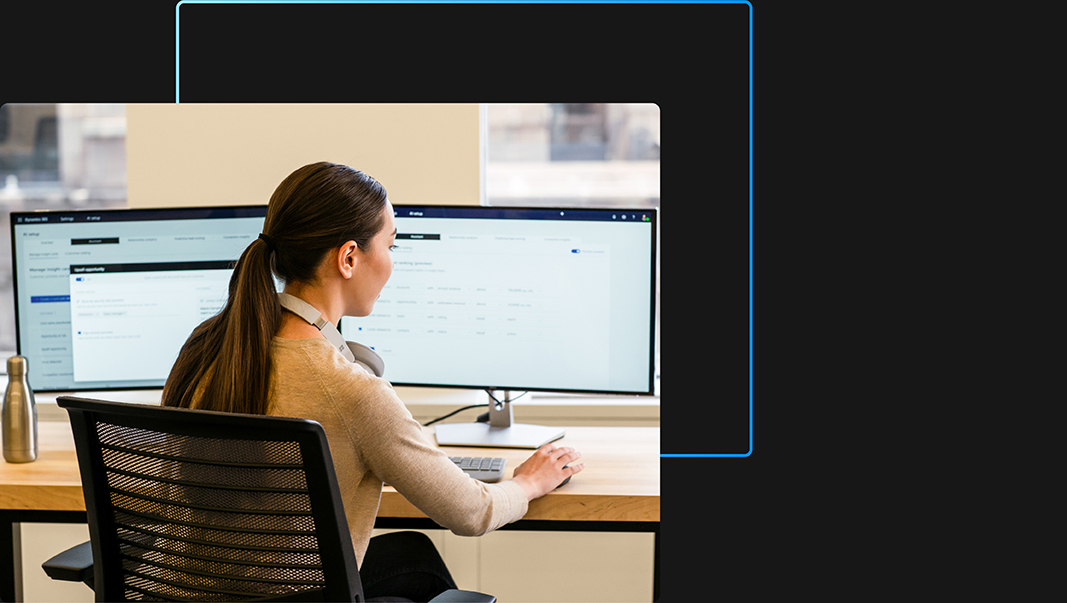
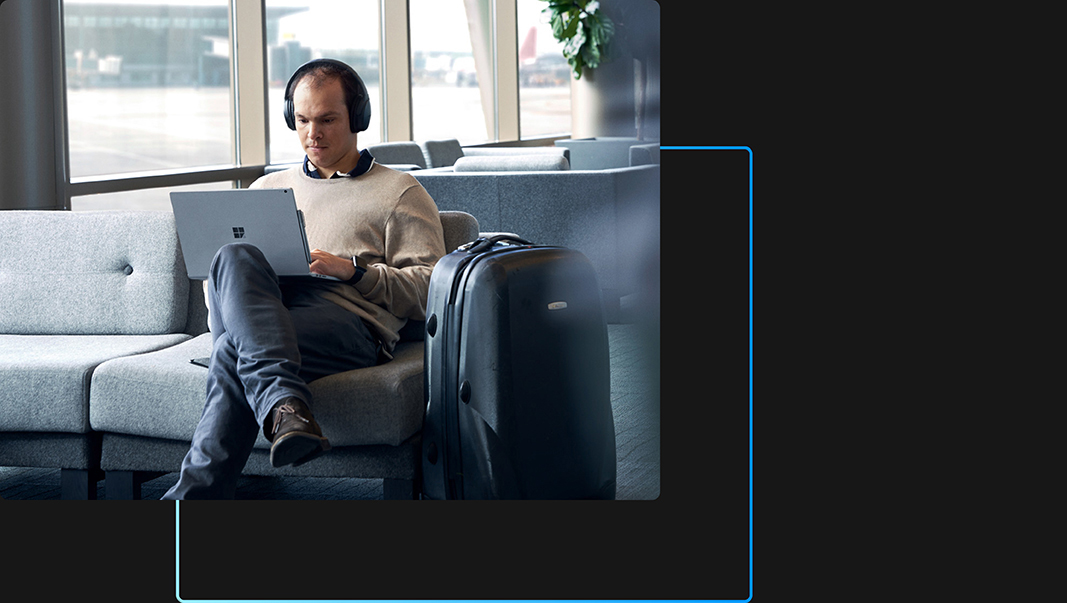
Enable exceptional work anywhere with layers of built-in security and AI-powered business tools for multitasking.
Windows 11 Pro for Workstations
Equipped for the most demanding workloads with features like faster filesharing and advanced processing.
Windows 11 Enterprise
For organizations with advanced security and management needs.
Invest in the future of your business
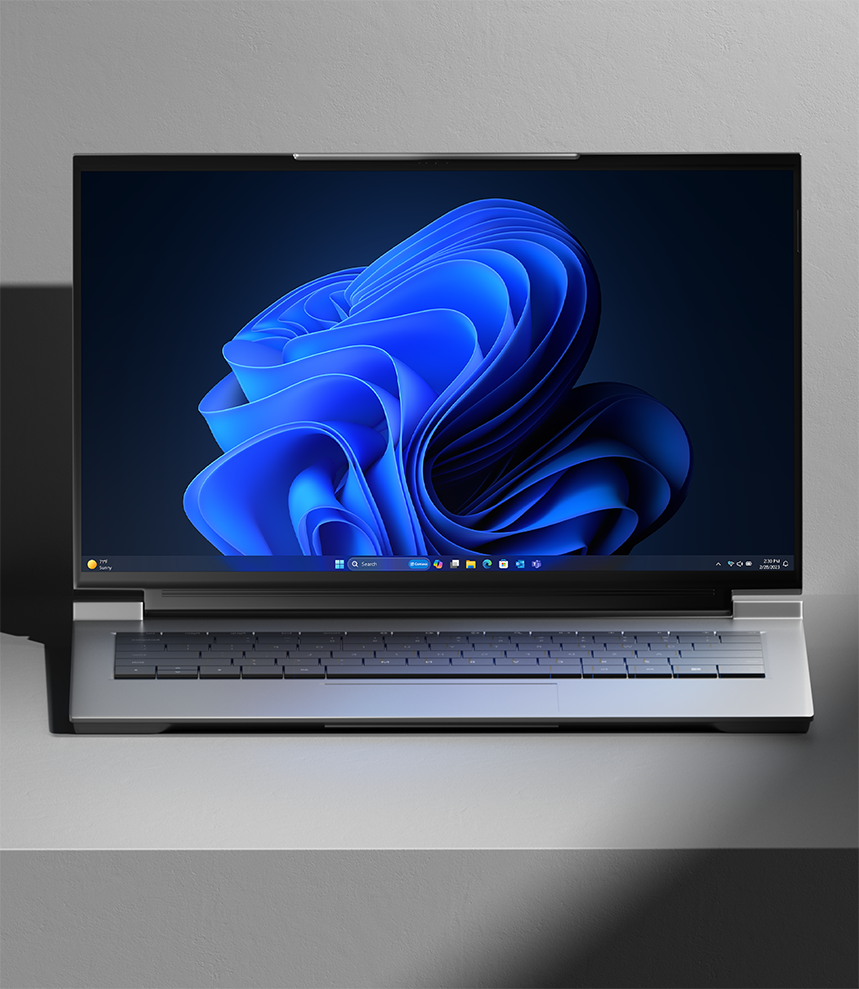
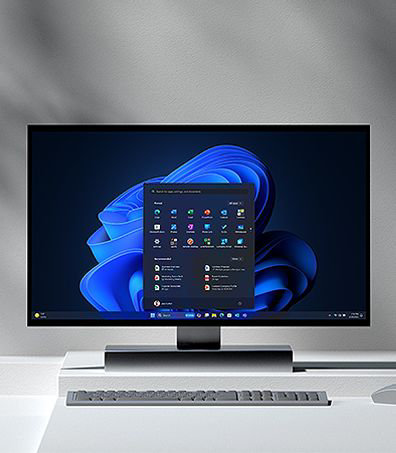
Secure opportunities with groundbreaking computers powered by the most secure Windows yet.
Transform business with Windows 11

Powerful security built in
Learn how The Broadway League stays ahead of evolving threats, including credential theft and phishing, so they can focus on their mission.

Redefine productivity for your business
The Broadway League is helping more people make a bigger impact with an AI-enhanced, inclusive experience on Windows 11. Learn how the team is improving productivity with AI-powered multitasking and accessibility features like live captions.
Discover the business value of Windows 11
Learn about the business impact of Windows devices in the latest commissioned Total Economic Impact™ studies by Forrester Consulting.


Forrester study found 250% ROI
Explore how new Windows 11 Pro computers delivered cost-effective results including a 15% better end user productivity and 20% increase in security team productivity. Factors like tighter security, faster deployment, and fewer help desk tickets resulted in 250% ROI in six months. Utilize the Windows 11 calculator tool to get your personalized analysis. 7

Forrester study found 250% ROI
Explore how new Windows 11 Pro computers delivered cost-effective results including a 15% better end user productivity and 20% increase in security team productivity. Factors like tighter security, faster deployment, and fewer help desk tickets resulted in 250% ROI in six months. Utilize the Windows 11 calculator tool to get your personalized analysis. 7

Forrester identifies benefits of Windows for business
Survey respondents indicated that non-Windows devices for business above $500 required virtual desktop infrastructure (VDI) support, which cost 10% to 20% more per user as compared to Windows PCs for business. 8


Upgrade to Windows 11, our most secure version yet
With layers of powerful protection enabled by default and AI-enhanced business tools for efficiency, Windows 11 provides the security to thrive anywhere and the performance to meet your boldest goals. See how it all adds up to help you secure any opportunity.
Support from installation to integration, and everything in between
Got questions? We have the resources you need.

Microsoft Learn for IT pros
Dive into connected, comprehensive technical resources.

Microsoft Tech Community
Explore a forum for sharing ideas and open collaboration.

Windows Insider Program
Preview the latest builds and learn what’s next.
- [1] Windows 11 results are in comparison with Windows 10 devices. “Windows 11 Survey Report,” Techaisle, February 2022.
- [2] Biometric hardware required for face/fingerprint login.
- [3] App Assure program data from Oct 2018 to Feb 2022.
- [4] Sold separately.
- [5] Azure Active Directory required.
- [6] Hardware dependent.
- [7] Commissioned study delivered by Forrester Consulting “The Total Economic Impact™ of Windows 11 Pro Devices”, December 2022. Note, quantified benefits reflect results over three years combined into a single composite organization that generates $1 billion in annual revenue, has 2,000 employees, refreshes hardware on a four-year cycle, and migrates the entirety of its workforce to Windows 11 devices.
-
[8]
Commissioned study delivered by Forrester Consulting “The Total Economic Impact™ of Microsoft Windows PCs for Business: Cost Savings and Business Benefits Enabled by Windows PCs for Business as Compared to Non-Windows PCs and Devices,” September 2021. Note, quantified benefits based on interviews with ten customers and a survey of 1,782 decision-makers combined into a single composite organization.
- [9] Compared to Windows 10 devices. “Improve your day-to-day experience with Windows 11 Pro laptops,” Principled Technologies, February 2023.
-
[10]
Copilot availability and rollout timing varies by market. Copilot with commercial data protection requires Microsoft 365 E3, E5, Business Standard, Business Premium, or A3 or A5 for faculty, or accessed using Microsoft Entra ID.
Features and app availability may vary by region. Video contains pre-release products that are coming soon. Subject to change.
Some features/functionality shown require additional licenses and/or specific hardware. Windows Hello: Biometric hardware required for face/fingerprint login. Snap layouts: Some layouts only available based on display resolution and scale settings. Remote help add-on license required in addition to license for Microsoft Intune, Enterprise Mobility + Security (EMS E3/5), or Microsoft 365 E3/5. For more information on Microsoft Intune see this page. For more information on Enterprise Mobility + Security see this page. Microsoft Search: Microsoft 365 required; subscription sold separately. Camera effects: Microsoft Teams business features licensed separately. Hardware dependent. Experience may vary based on application.


Follow Microsoft Windows